




Life Dashboard — Organize Your Entire Life in One Digital Space
Personal Development60.00 $
Bring your goals, projects, habits, daily journal and weekly reviews into one calm Notion dashboard. Includes a ready-to-import Notion pack with sample data and a step-by-step guide to connecting it, building the views and running it each day and week.
-
Description
-
Reviews (0)
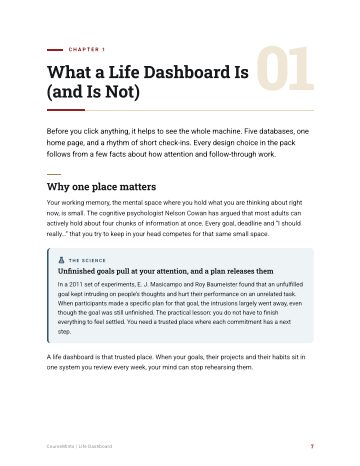
Life Dashboard gives you one calm Notion page for your whole life: the goals you are aiming for, the projects and habits that serve them, a two-minute daily journal and a short weekly review. You get a ready-to-import Notion pack with realistic sample data, and a guide that walks you click by click through importing it and building what Notion’s importer cannot create: relations between your databases, progress formulas, dashboard views, templates and a one-click journal button.
It is for anyone who has set goals in January and lost them by March, and wants a simple system they will still open in six months. It works on Notion’s free plan at the time of writing. Setup takes about 90 minutes on a computer; daily use works on your phone.
What’s inside
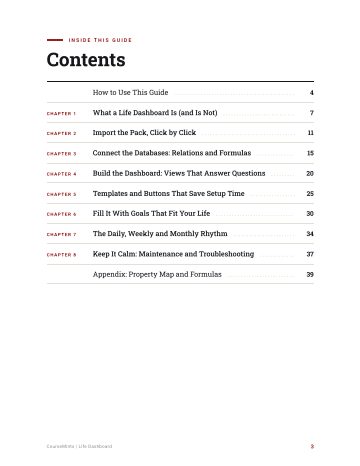
- Life Dashboard guide (PDF, 41 pages): What a Life Dashboard Is; Import the Pack, Click by Click; Connect the Databases: Relations and Formulas; Build the Dashboard: Views That Answer Questions; Templates and Buttons; Fill It With Goals That Fit Your Life; The Daily, Weekly and Monthly Rhythm; Keep It Calm; plus a property and formula appendix.
- Notion import pack: 5 CSV databases with sample rows (Goals, Projects, Habits, Journal, Weekly Reviews), 5 Markdown pages (dashboard home, Life Areas, and goal, journal and weekly review templates) and an import checklist with every formula ready to copy.
Instant download. PDF files, yours to keep.
Questions? Email info@coursemints.com.



Reviews
There are no reviews yet.